Your calls.
Your rules.
Take control of incoming calls. Turn interruptions away with one tap, stay reachable to people who matter, and choose when calls can reach you.
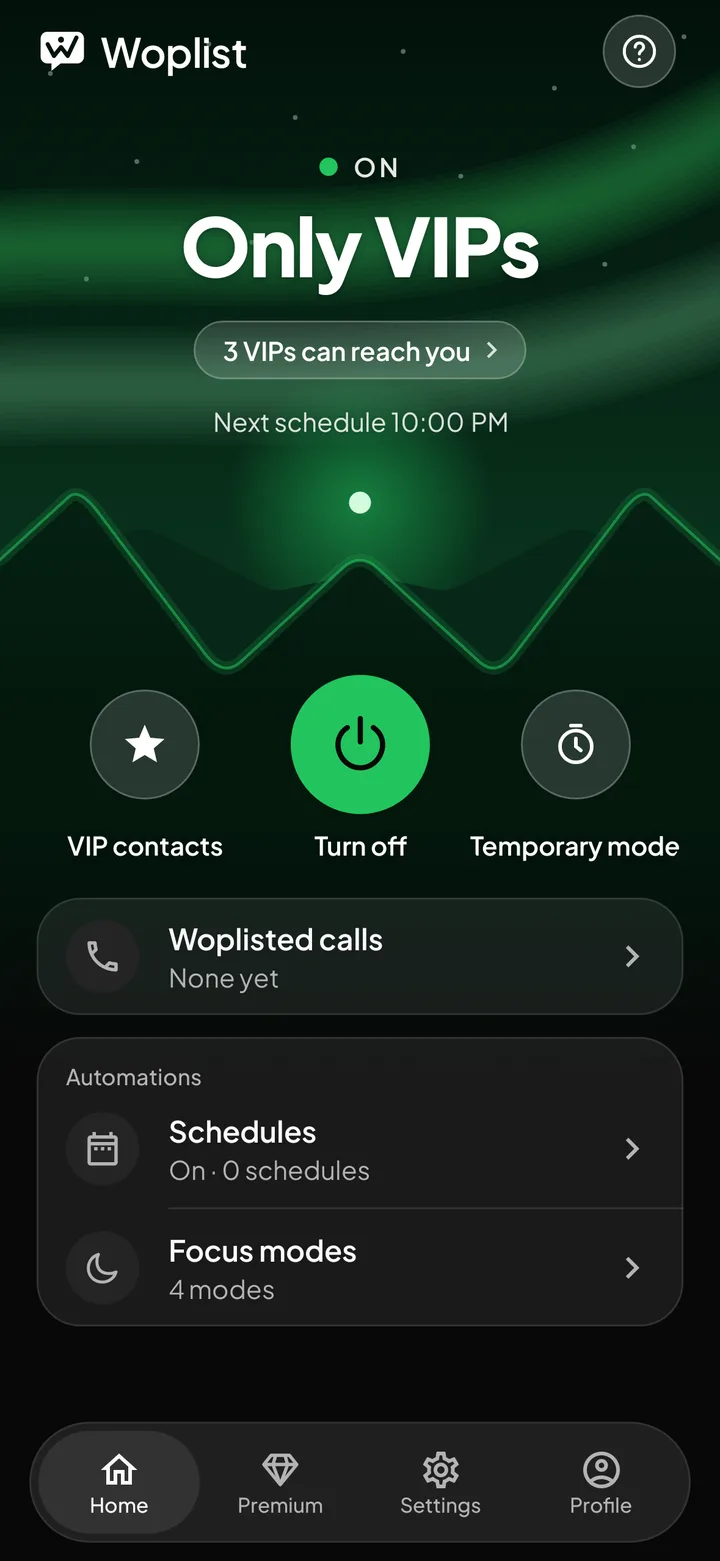
Everything on one screen.
See who can reach you right now, with every control a tap away.
- Who can reach you
- One-tap power
- VIP contacts
- Temporary mode
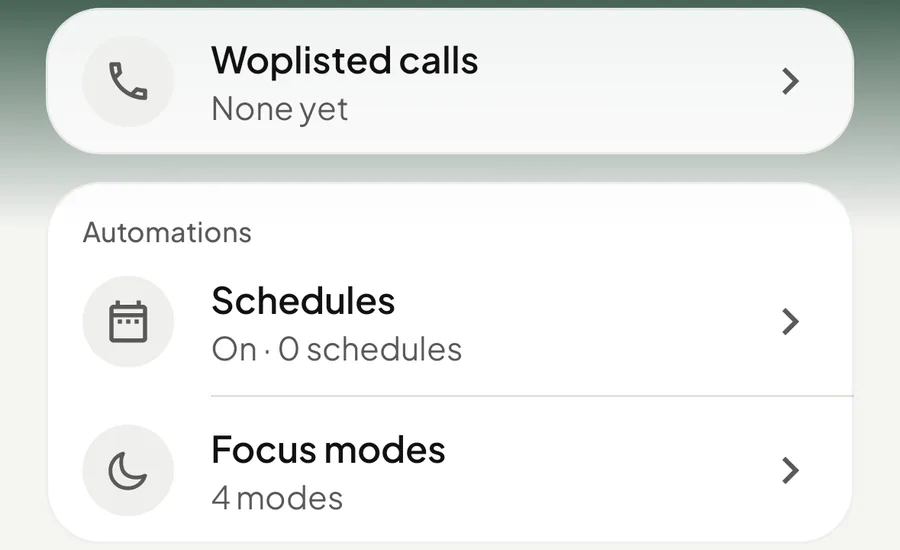
- Woplisted calls
- Automations
- Guest mode
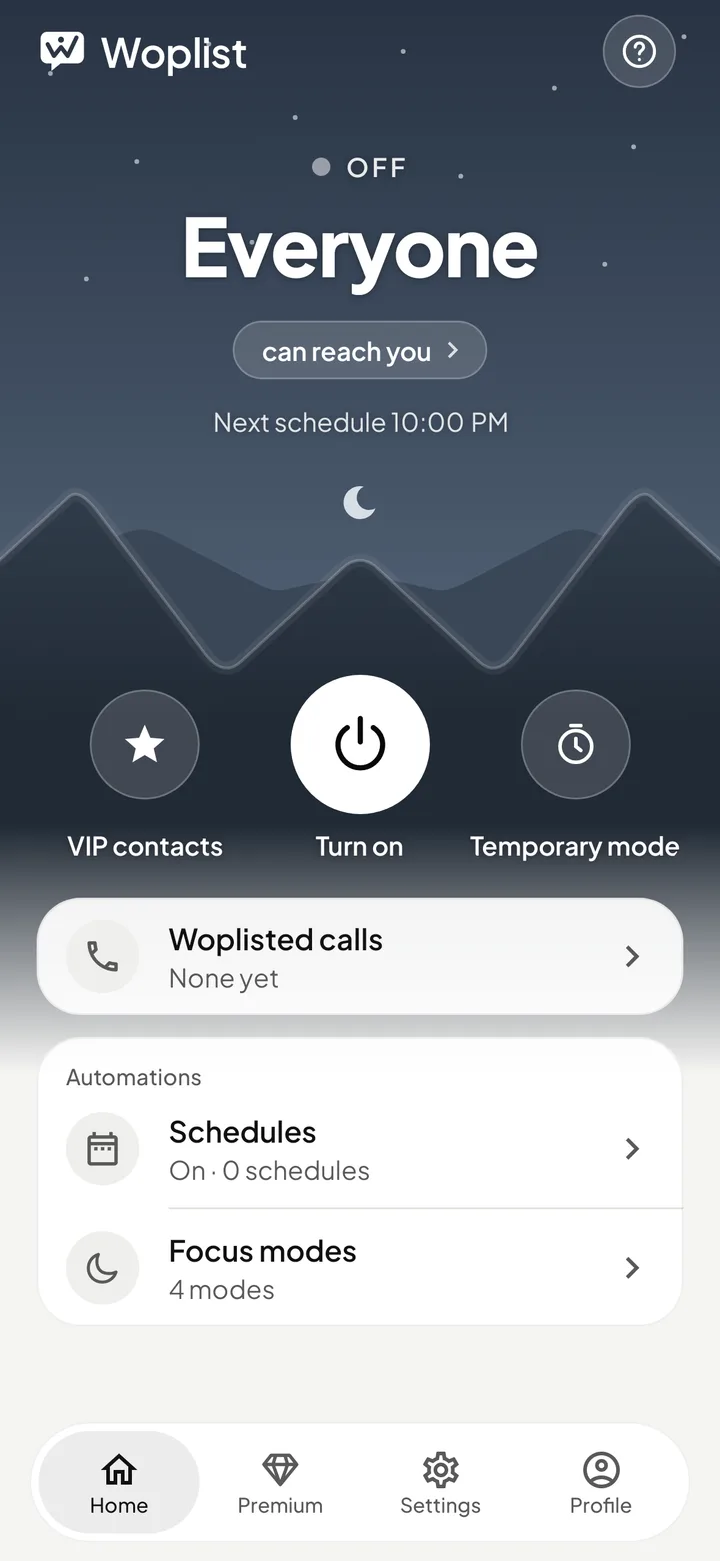
Quiet when you need it. Reachable when it matters.
Interruptions, off.
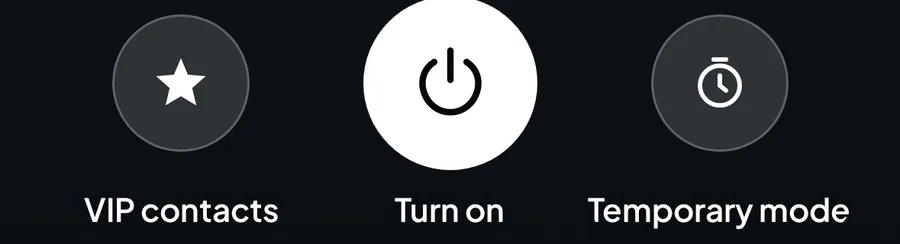
One tap and calls wait. Tap again when you're ready to talk.
Your people still get through.
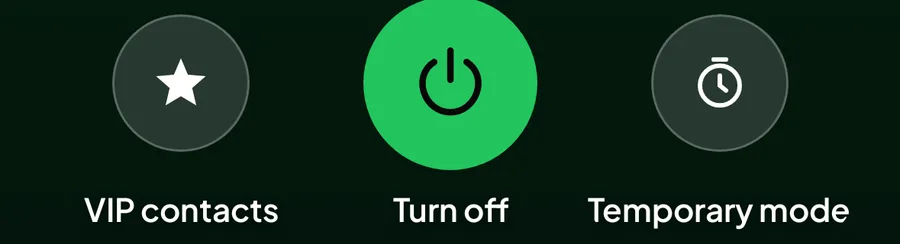
Family, your boss, the school. Your VIPs ring while everyone else waits.

Your day, on autopilot.
Quiet nights, focused mornings, calm meetings. Set it once and Woplist follows your week.
Urgent? They'll get through.
Someone calling again and again might really need you. Let them through after a few tries.
Allow on
Within
The 1st and 2nd calls from the same number within 5 minutes are blocked. The 3rd rings.
Your peace of mind. Upgraded.
More control over who reaches you, when they can call, and what you missed.
- VIP Exceptions
- Smart Scheduling
- Woplisted Call Alerts & History
- Repeat Caller Bypass
- No Ads
Woplist for Android.
Coming soon for Android 10 and newer. Woplist is in private beta.
Download detailsQuestions?
The quick answers. More in Help.
What is Woplist?
Call control for Android. Turn unwanted calls away with one tap, and let the people who matter through.
How do I set it up?
Open Woplist, tap Authorize Woplist and choose it as your call-screening app. Then tap the power button. You can undo it any time in Android's default-apps settings.
Do I need an account?
No. You use Woplist as a Guest. Optional sign-in is planned for later.
How much is Premium?
Premium is coming soon at US$0.99 a month. Until it launches, every feature is free. See Premium.
When can I download it?
Woplist is in private beta. The public download will be on our download page.