Features
Fewer interruptions. No missed people.
Simple tools to keep your phone quiet, without cutting you off from the people who matter.
One-tap call control
Interruptions off. Or on.
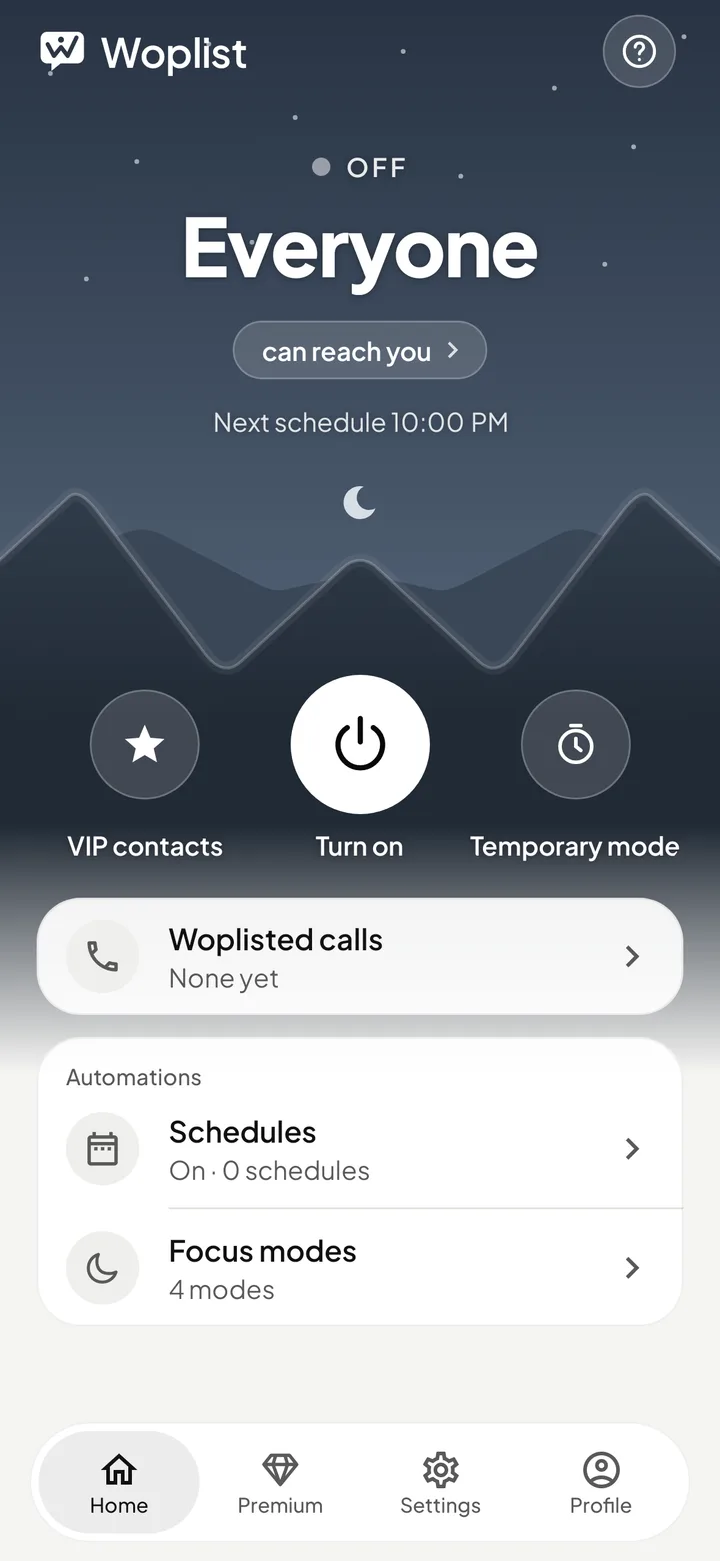
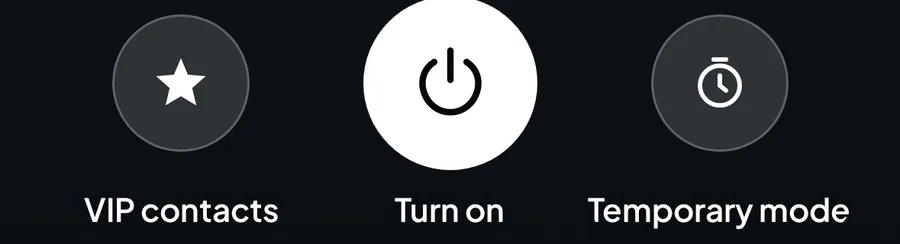
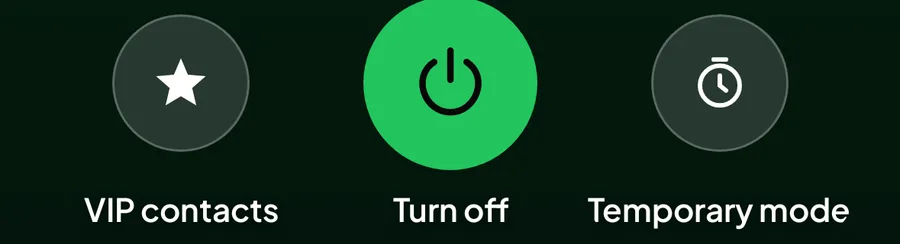
One tap on the power button and calls stop ringing. Home always tells you who can reach you, so there's no guessing.
VIP Contacts
The people who matter still get through.
Pick them from your contacts or type a number. Pause anyone for a while without removing them.

Smart Scheduling
Set it once. Stay undisturbed.
Plan quiet hours for every day of the week, overnight included. Woplist switches on and off by itself.
Focus Modes
Sleep. Work. Study. Meeting.
Each mode decides who gets through: nobody, only VIPs, or everyone. Edit the four included ones or make your own.
- Sleep
- Work
- Study
- Meeting
- + Your own
- Block all
- Every screened call is turned away, VIPs included.
- VIPs only
- Enabled VIPs ring. Other screened calls are turned away.
- Allow all
- Every call rings.
Temporary Mode
Quiet for now. Back to normal later.
In a meeting or at the cinema? Block everyone, or allow only VIPs, then Woplist goes back to normal by itself.
Mode
For
Woplisted Calls & Alerts
Know who tried to reach you.
See every call Woplist turned away, with the time and number. Turn on quiet alerts to know as it happens.
Repeat Caller Bypass
BetaIf it's urgent, they'll get through.
Someone calling again and again might really need you. Choose when to let them through, from the 2nd to the 5th call.
Allow on
Within
The 1st and 2nd calls from the same number within 5 minutes are blocked. The 3rd rings.
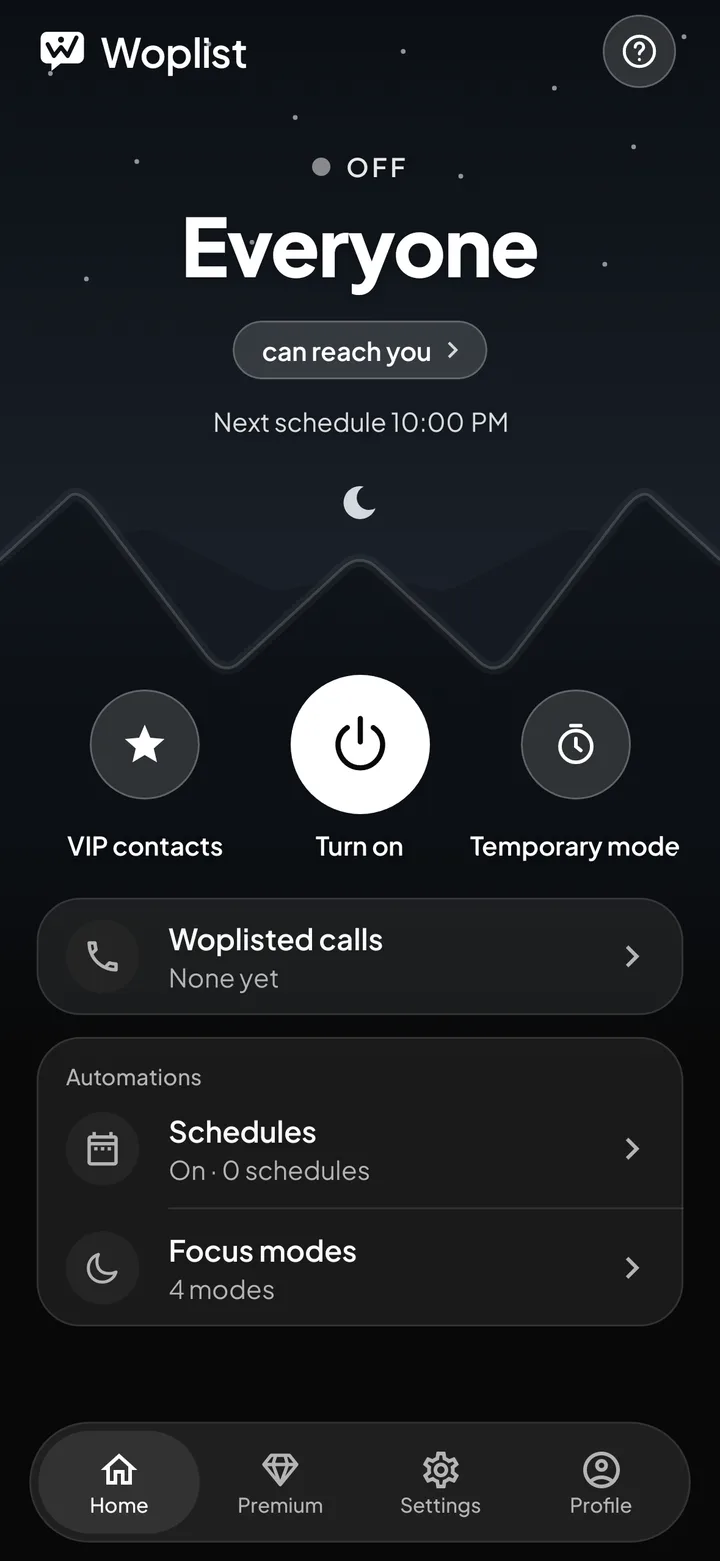
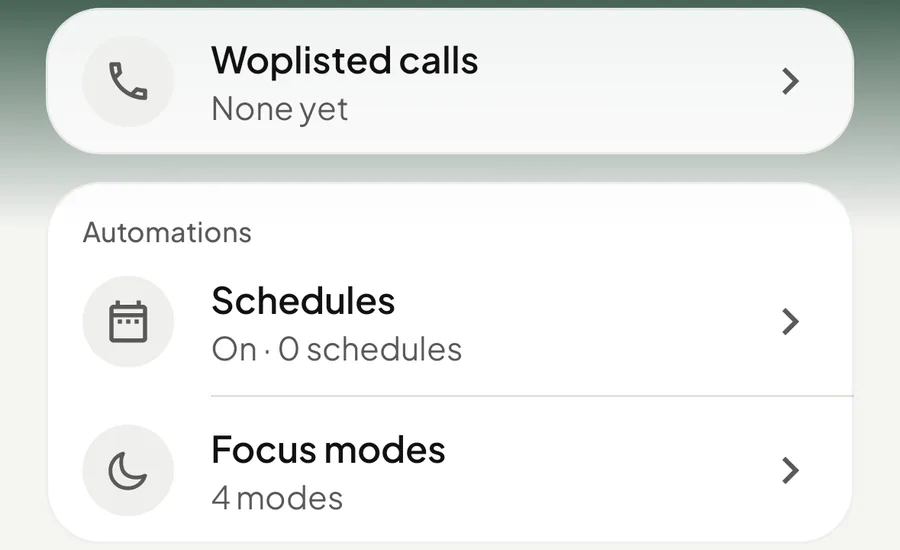
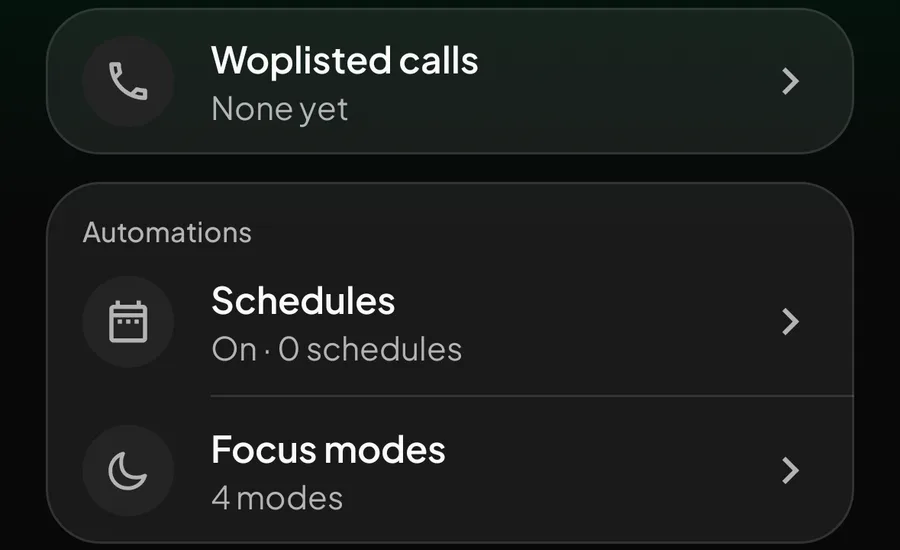
Light, Dark or System
Easy on the eyes, day or night.
Pick Light or Dark, or let Woplist follow your phone.